Virtual Shelf
The virtual shelf is a quick overview of what is happening at your Supply Points.
While - strictly speaking - it's not necessary to know the current status after automating your supplies, it can still
be fun to know what's going on right now.
You will be shown a view of your Supply Point like this.
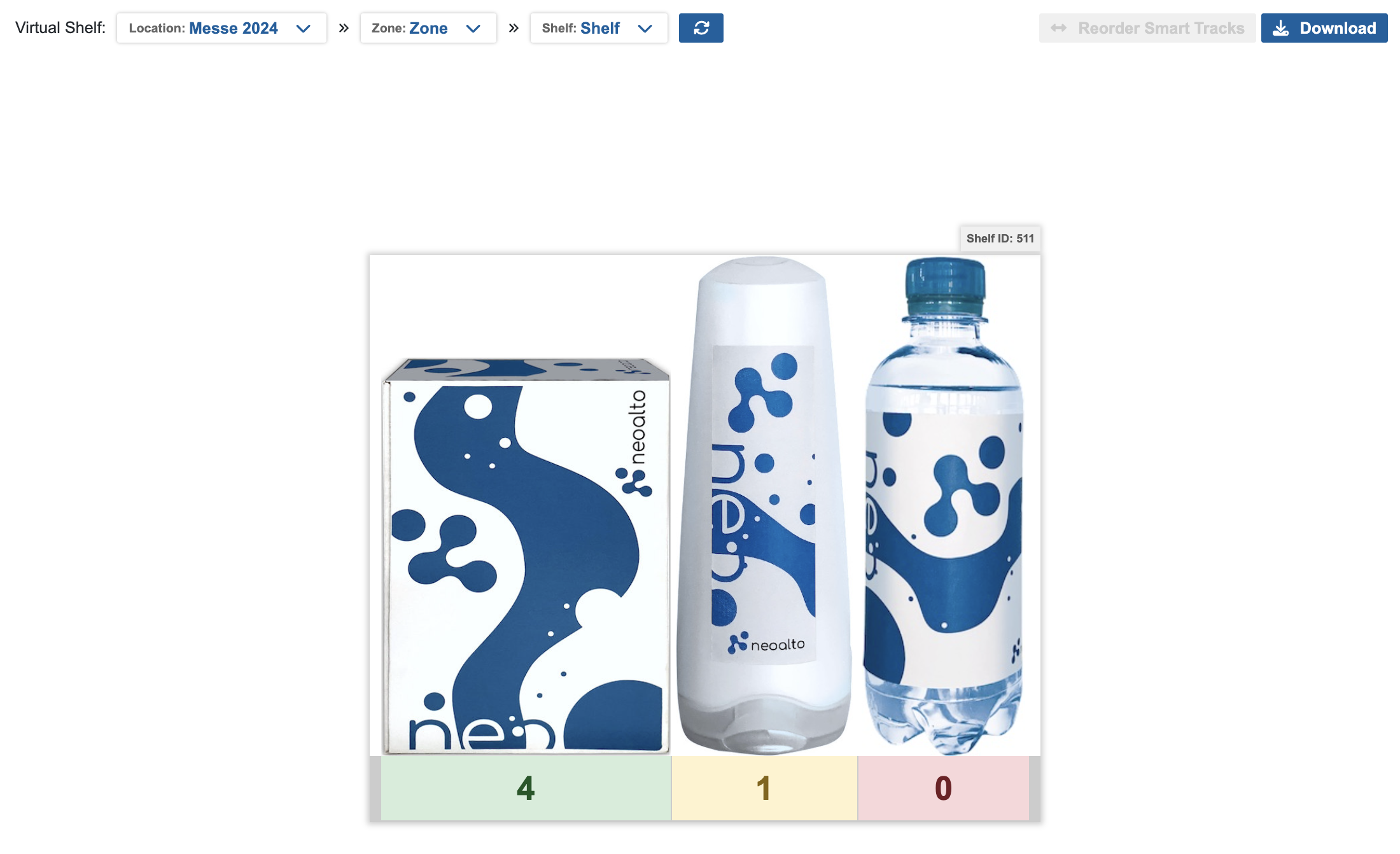
This screen will gives you the most recent measurements and updates in near real-time upon new events coming in.
The shelf shows articles with their respective dimensions, but will not necessarily show the shelf contents in the correct row or order. This is because our devices can move in the supply point, but as long as they are able to send events to our platform, they will continue to work regardless of where they were positioned.
You can manually order the article positions any way you please using the Reorder Smart Tracks button, which sends you to an editor for said view.
Whatever order you configure will be persistent and shared for all other users.
Reordering does not work for legacy compartment systems.
You can select and view your Supply Points Virtual Shelf here.